


TripLekha - Travel Journal & Expense Hub
Account & Data Deletion Request
This page explains how you can permanently delete your TripLekha account and associated personal data.
Option 1: Delete Directly Inside the TripLekha App
- Open the TripLekha app and sign in to your account.
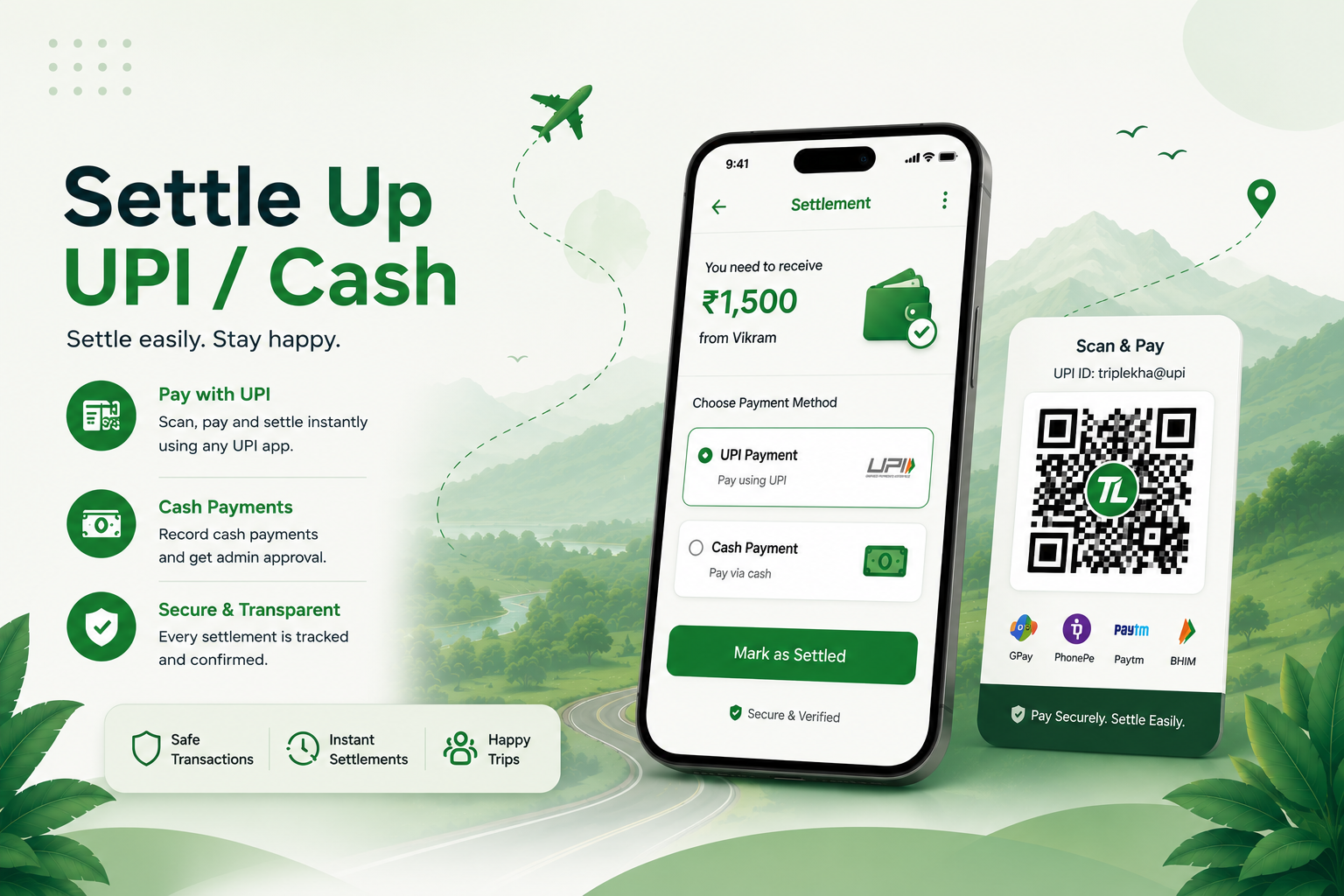
- Ensure any pending group trip settlements/balances are settled.
- Go to Settings.
- Tap Delete TripLekha Account and confirm the deletion prompt.
Option 2: Request Deletion Without the App (via Email)
If you cannot access the app, you may request account and data deletion by sending an email from your registered email address (or mentioning your registered mobile number):
Support Email: support@triplekha.com
Subject: Account Deletion Request - TripLekha
Include: Your registered Name and Mobile Number / Email used in TripLekha.
Subject: Account Deletion Request - TripLekha
Include: Your registered Name and Mobile Number / Email used in TripLekha.
We will verify your identity and process your deletion request within 7 business days (subject to no unsettled group trip obligations).
What Data Is Deleted & Retention Period
- Data Deleted: Your account profile (name, email address, phone number, profile photo, UPI ID, birthdate/gender), authentication credentials, personal expense logs, checklists, and uploaded receipt photos.
- 30-Day Soft-Delete Grace Period: When you initiate account deletion, your account enters a 30-day soft-delete period. If you log back in within 30 days, you can restore your account.
- Permanent Erasure: After 30 days, all personal account records and associated data are permanently erased and cannot be recovered.
- Data Kept Temporarily: Only unresolved group settlement references (until settled) or anonymized logs required for legal compliance or fraud prevention may be retained until the applicable obligation ends.